Printed Menu
- Requires reprinting after price changes
- Product and image updates take time
- Can wear out, get lost or create hygiene concerns
- Multilingual versions increase costs
- Offers a limited guest experience

Digital QR menu for restaurants
Digitize your restaurant menu with Qrelle, share it through a QR code and update products, prices, images or descriptions in seconds.
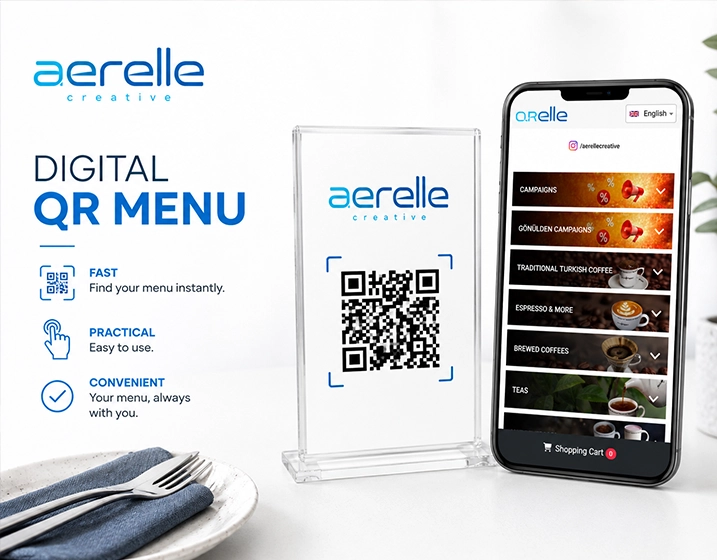
QR menu instead of printed menus
Frequent price changes, seasonal products and busy service make printed menus costly and slow to maintain. A QR menu keeps restaurant content flexible and current.
Using a restaurant QR menu
Create and publish your digital menu without technical knowledge, then place the QR code on tables, windows, flyers or takeaway packaging.
Add categories, products, prices, descriptions, images, allergens and calories.
Download the QR code generated by Qrelle and place it in your venue.
Guests open your mobile-friendly menu directly in their browser.
Publish product, price and image changes without replacing the QR code.
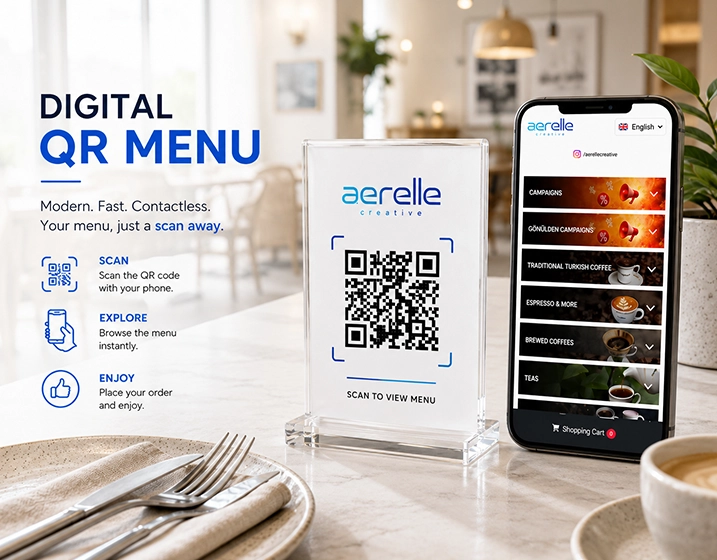
Speed up service
Guests can scan the code at their table and browse immediately instead of waiting for a printed menu.
Update without reprinting
Keep availability, seasonal items and pricing current from one dashboard while your QR code remains unchanged.
Qrelle solutions
Qrelle makes digital menu management more professional, consistent and sustainable.
Turn your restaurant menu into a mobile-friendly experience.
Create product, category and multilingual content with AI support.
Help international guests understand your menu.
Make it easier for happy guests to leave a review.
Provide clearer information for confident choices.
Manage menus centrally across restaurant locations.
Restaurant benefits
Modernize the guest experience while making menu operations more flexible and manageable.
FAQ
Answers about setup, updates, QR codes and Qrelle features.
No. Qrelle is designed so restaurant details, categories, products, prices and images can be managed easily from the dashboard.
No. The QR code stays the same and always opens the latest published menu.
Yes. You can use it as the primary menu or alongside printed menus.
Yes. Qrelle supports multilingual menus for tourists and international guests.
You can add a Google review button to the menu so guests can reach your review page easily.
Launch your restaurant QR menu
Digitize your menu in minutes, start using your QR code and simplify ongoing menu management.